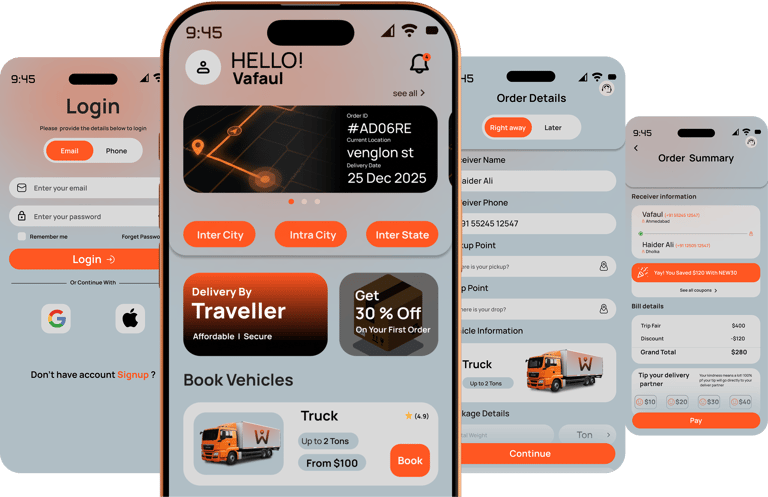




Project Overview
The project itself !
The WAYO logistics app is designed to easy, affordable and fast delivery app. It enables users to calculate delivery charges according to choose between traditional and peer -to-peer delivery options. it reduce delivery cost to small businessman. live tracking of the delivery provided in Wayo.
Problem
Goal
My role
Responsibility








Design a logistics application that is absolutely user-friendly by providing clear navigation and offering fast vehicle selection and shipping.
Logistics app users Problem is High cost, Slow Delivery, No Live parcel Tracking. Some time delivery Charges is more expensive than actual product cost.
At the same time we understand travellers problems too. Travellers problem is High fuel cost, Unused Carrying capacity.
UI UX designer leading the WAYO mobile application design
conducting research,
storyboarding,
paper and digital wireframing,
iterating on designs,
making high-fidelity prototype
All about the users!
User Research
The WAYO logistics app is designed to easy, affordable and fast delivery app. It enables users to calculate delivery charges according to choose between traditional and peer -to-peer delivery options. it reduce delivery cost to small businessman. live tracking of the delivery provided in Wayo.
Pain Points


1
2
3
High Delivery Charges
No Live Tracking
No p2p Delivery
Logistics apps are often quite expensive we can make it affordable .
Logistics apps don't have live tracking of delivery
Wayo has p2p features that allow delivery by travellers. its affordable and fast compare to traditional delivery
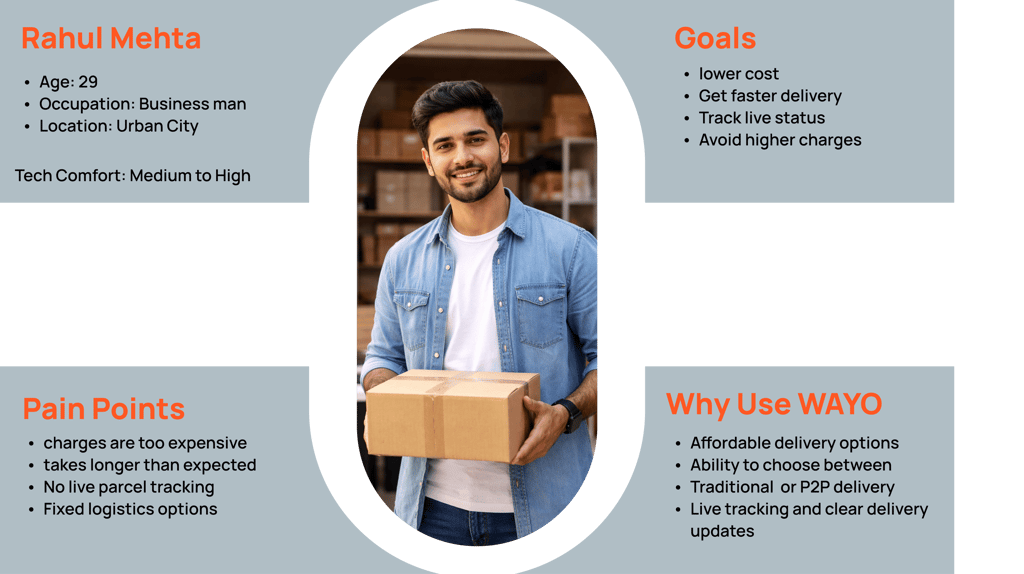
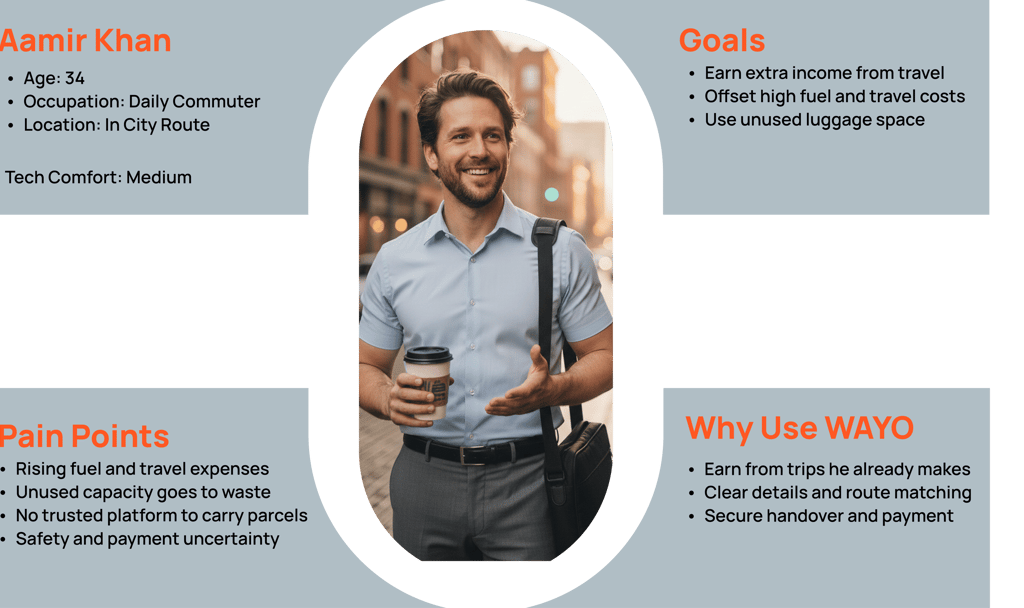
User Personas


User Personas selected on conducting user research and identifying user needs for the products


How i create !
Starting The Design
I created various diagrams and storyboards to clarify and analyze the app's information and architecture. Afterward, I sketched paper wireframes and then transitioned to digital wireframes, building a low-fidelity prototype to conduct initial usability studies.
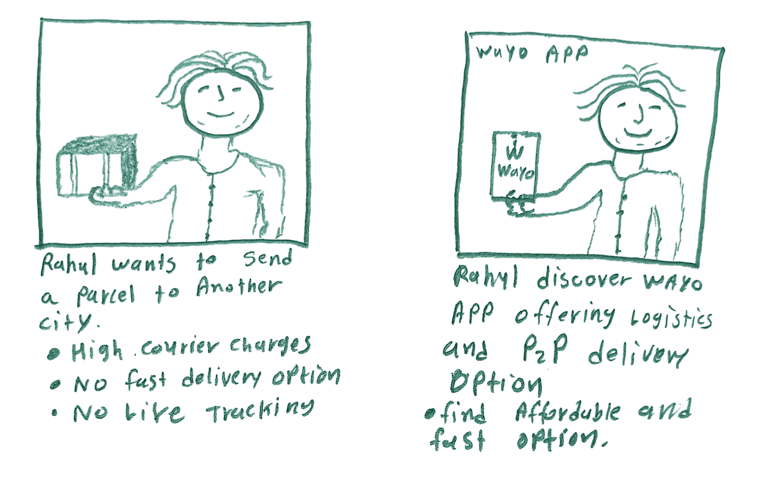
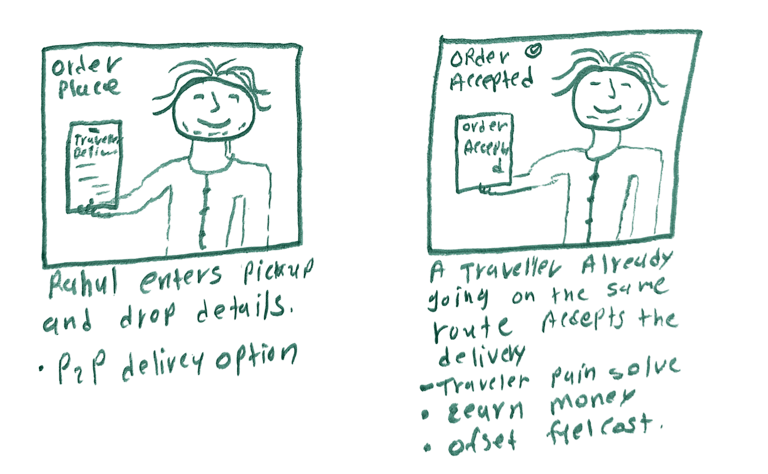
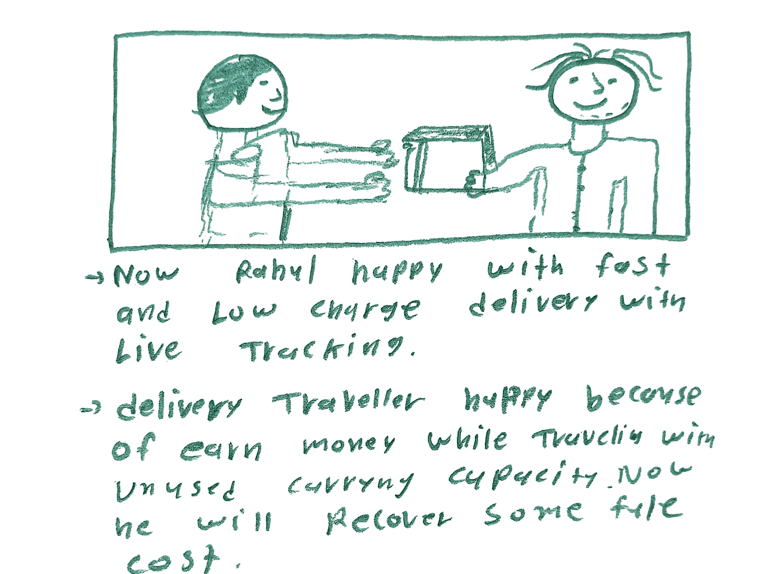
Big picture story board, which focuses on the users experience how users use WAYO on there daily life.
User Flow
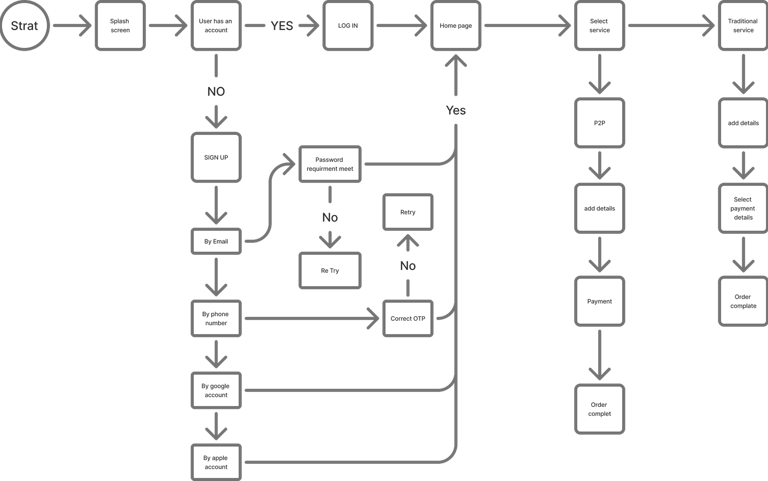
The WAYO user flow guides users from creating a delivery request to successful parcel delivery in a few simple steps. Users enter pickup and drop details, compare traditional logistics and peer-to-peer delivery options, select the best fit based on cost and time, track the parcel in real time, and confirm delivery. The flow is designed to minimize steps, reduce uncertainty, and ensure a fast, transparent delivery experience.
Paper Wireframes
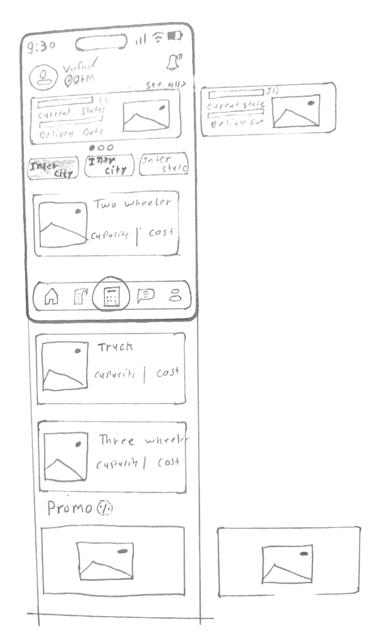
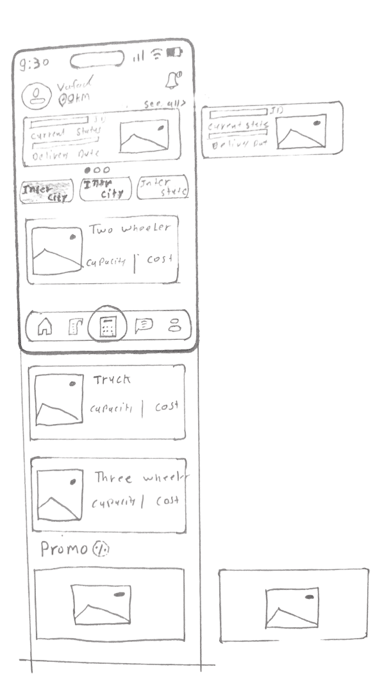
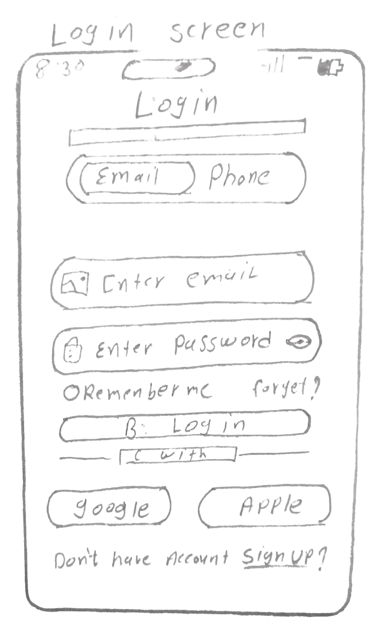
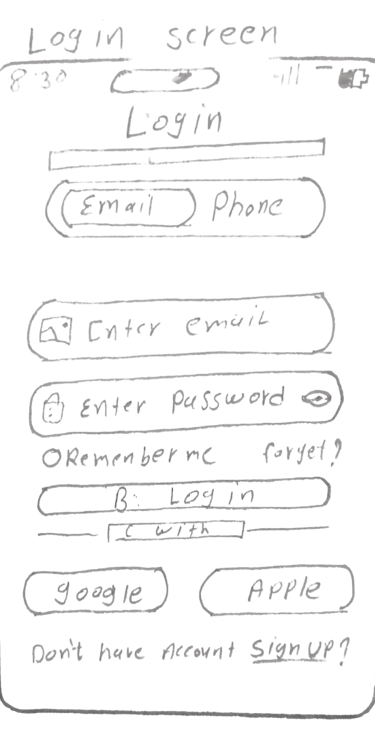
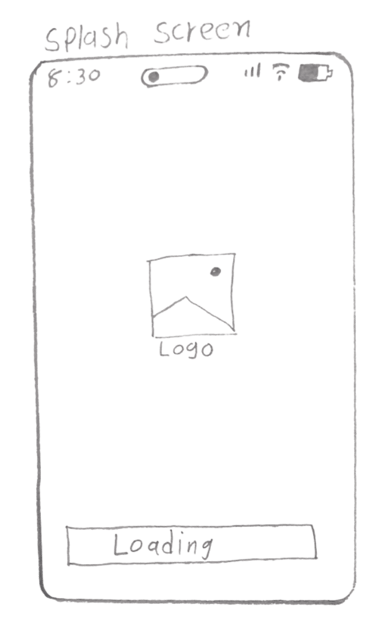
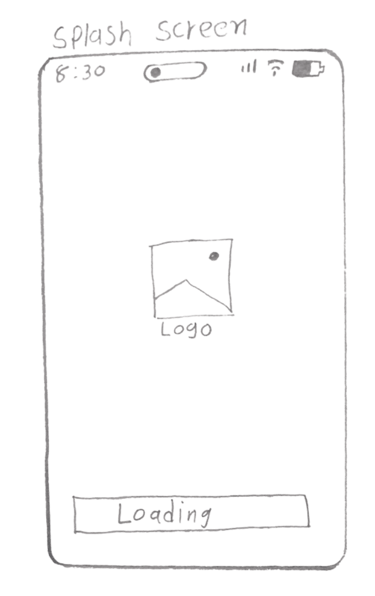
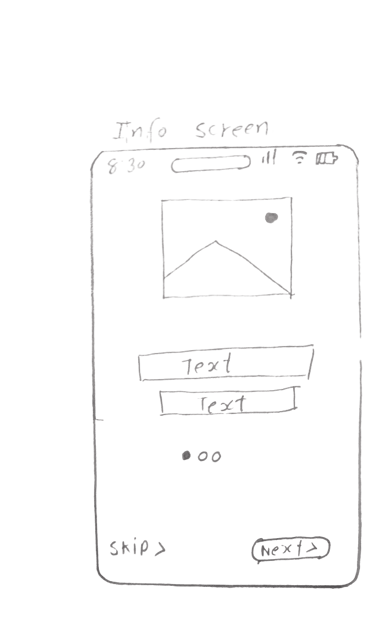
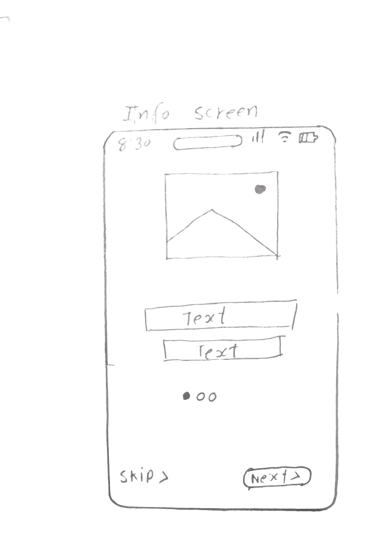
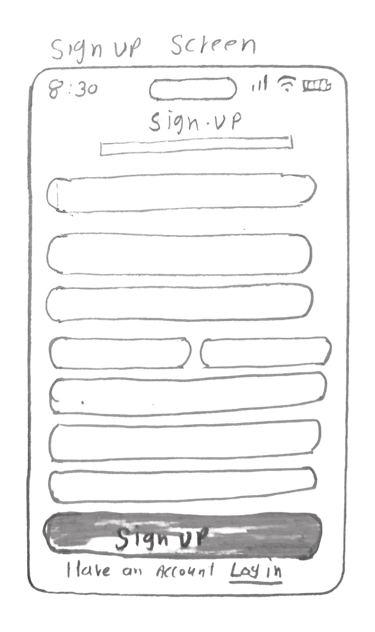
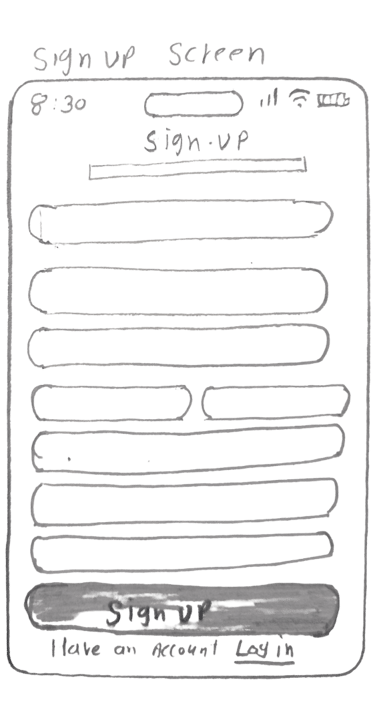
Here I drew five different screen of how structure of information might look like. Then I reviewed all of them in the refined one. The goal was to explore different ideas with wireframes.
Digital Wireframes








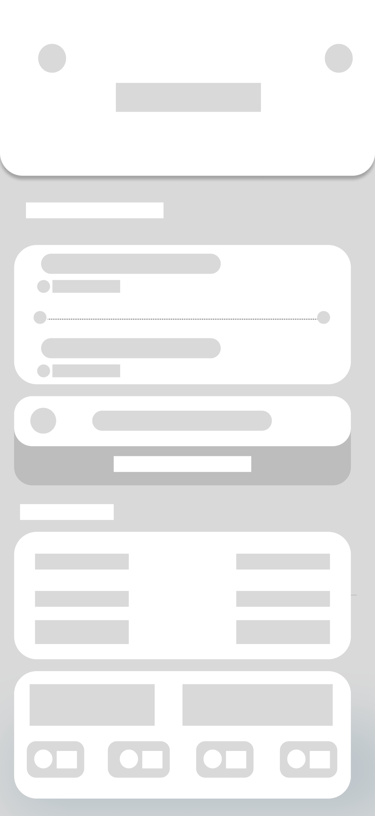
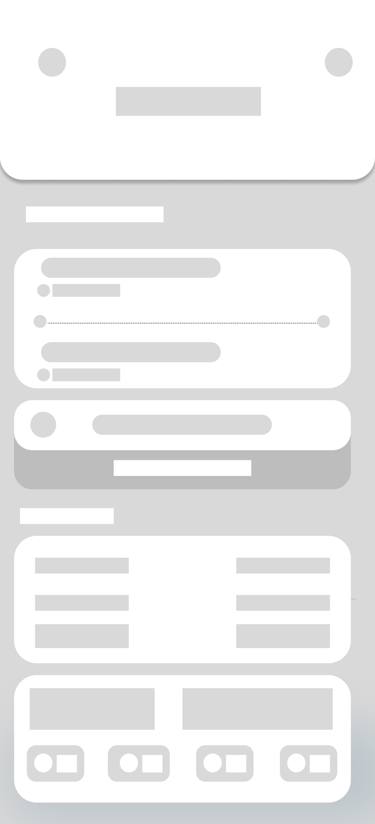




On this step I used the Figma design tool to create digital wireframes of all the pages. Then I bonded all of them into the clear and smooth structure.
The goal is to show how all the pages and things interact with each other.
The clear version :
Refining Design
On this step, first I created a static, high-fidelity WAYO app design (keeping in mind all the conclusions from the previous phase of usability studies) that is a clear representation of a final product called design mockups. After that, I created a high-fidelity prototype of the app.
Mockups
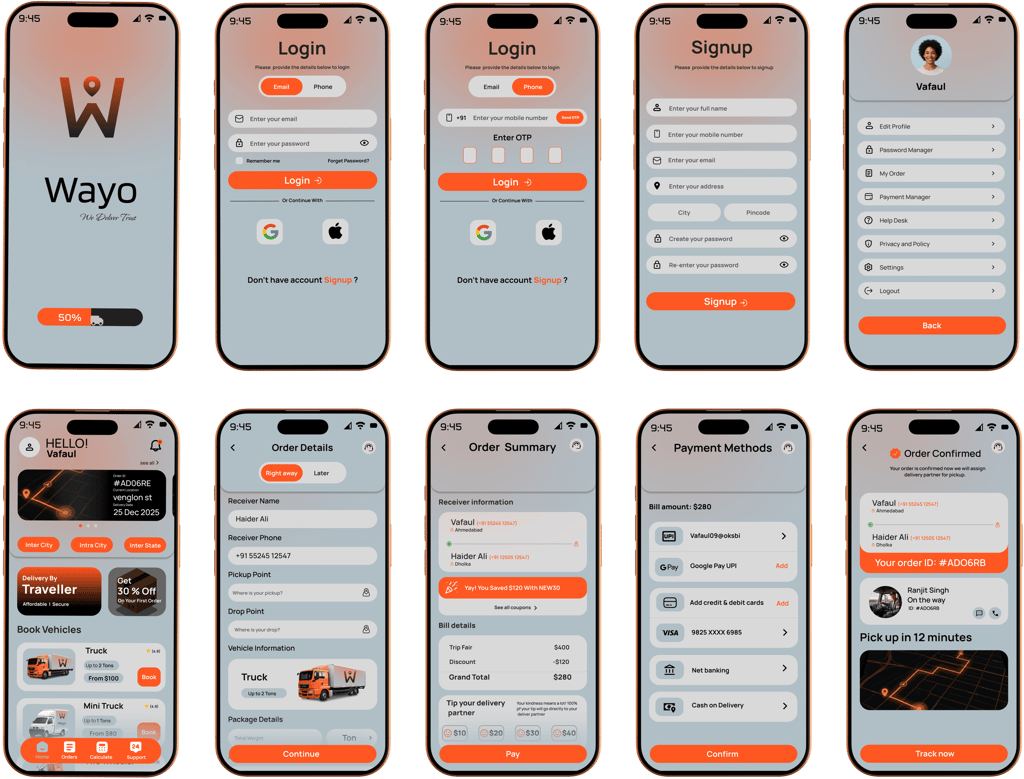
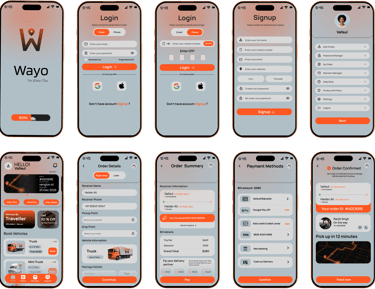
These are high fidelity design represent final product
I created all the app pages mockups, incorporating the right design elements such as typography, color, and iconography. I also included captivating and visually appealing images, and developed all the necessary components and elements. The goal was to demonstrate the final WAYO app in as much detail as possible.
High fidelity Prototype
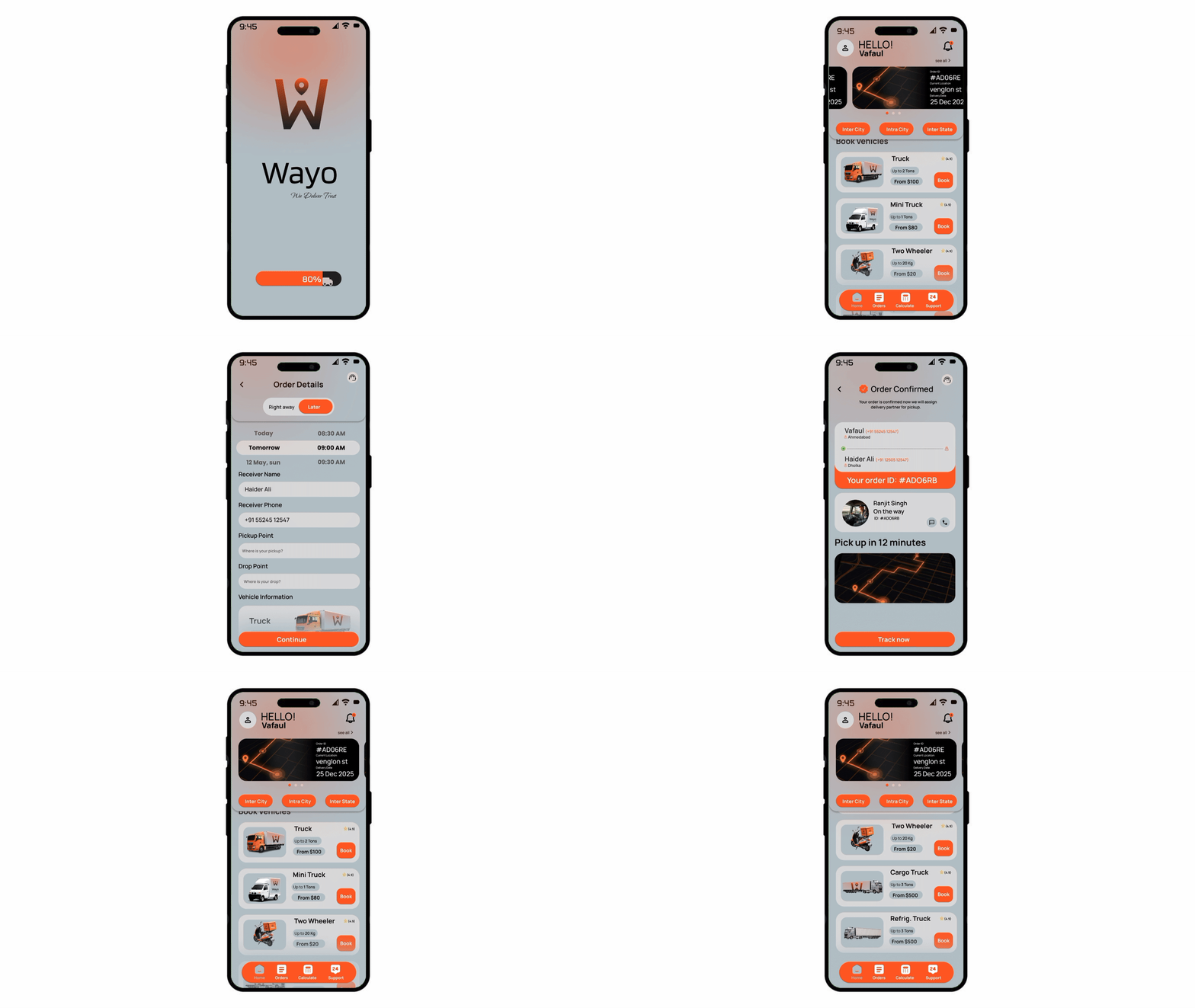
Turned my mockups into a prototype that's ready for testing, using gestures and motion, which can help enrich the user experience and increase the usability of the app.
Two options for delivery
Live tracking
Calculate your budget
Live Support
delivery by Two wheeler
Simple 3 Step bookings
Final look of WAYO
Outcome
Takeways
Impact:
Our target users have found WAYO design to be intuitive, user-friendly, and easy to use. Choose vehicle,
Enter locations, pay and done.
What I learned:
The key lesson I learned is that even minor changes can significantly impact the user experience. My biggest takeaway is to always prioritize the genuine needs of the user.
Next step
Conduct follow-up usability testing on the new app iteration.
Identify any additional areas of need and ideate on new features.
Thank you for watching
Storyboards