

Project Overview
The project itself !
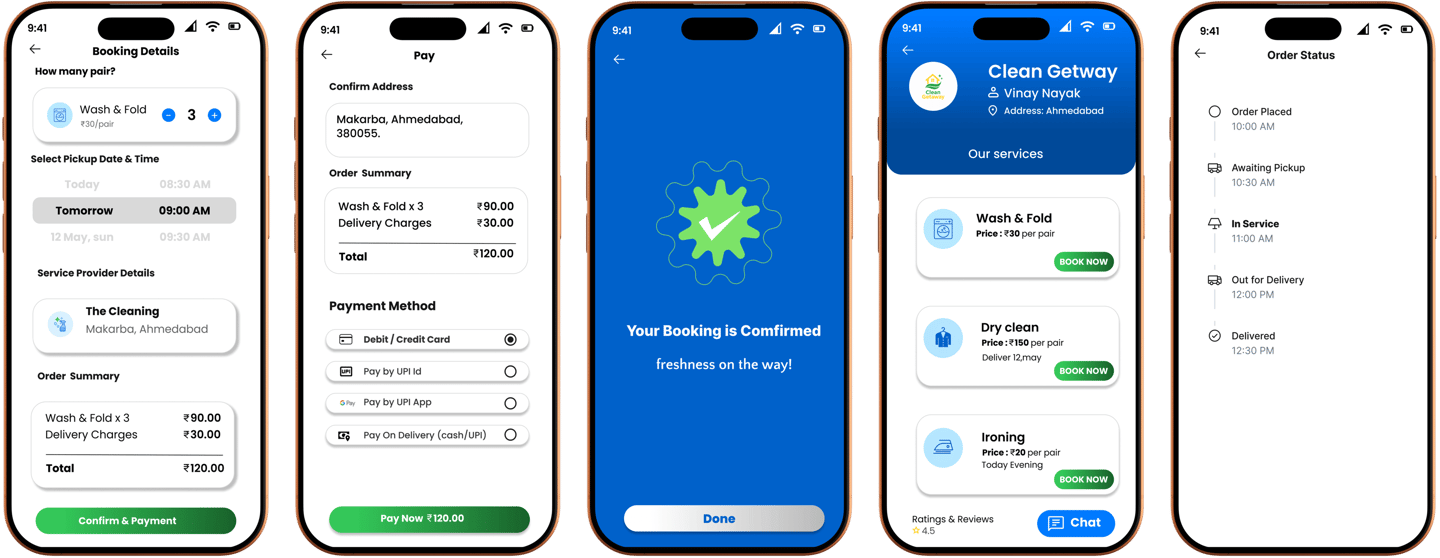
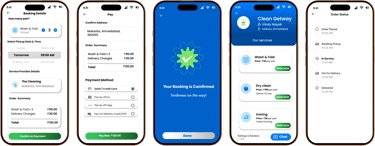
The WASHA is a laundry mobile app that allows user to book laundry in three simple steps. in that busy world no one have time to waste in lengthy process app, so we simplify the booking process fast and easy for washa users.
Problem
Goal
My role
Responsibility








Design a laundry application that is absolutely user friendly by providing clear navigation and offering fast laundry selection.
In urban areas, people struggle to manage laundry due to busy work schedules, limited washing facilities, and irregular pick-up services. There is a need for a reliable, on-demand laundry app that simplifies booking, enhances service communication, and ensures quality & timely delivery.
UI UX designer leading the WAYO mobile application design
conducting research,
storyboarding,
paper and digital wireframing,
iterating on designs,
making high-fidelity prototype
All about the users!
User Research
The WASHA laundry app is designed to easy, affordable and fast. It enables users to book pickup by nearby laundry. user can track laundry status to ensure on time delivery by laundry providers. user can choose laundry provider based on there review and ratings for best service.
Pain Points


1
2
3
lack transparency
No Live Tracking
Delays in delivery
lack transparency In traditional laundry services.
In traditional laundry services there is no live tracking.
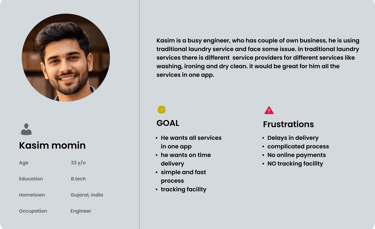
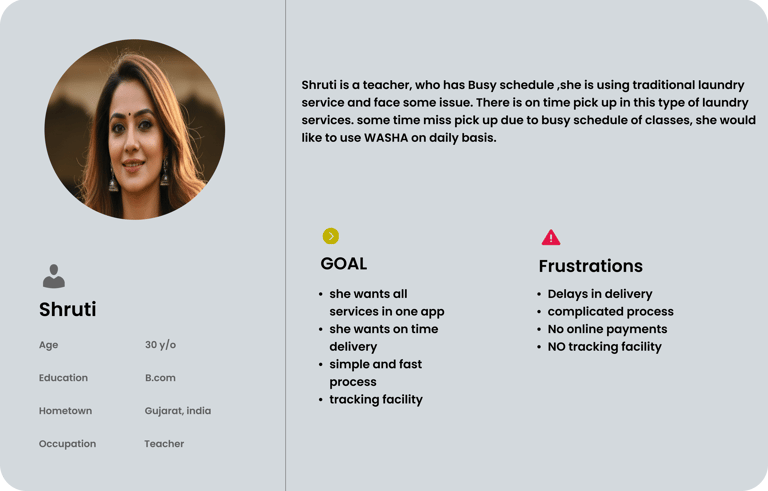
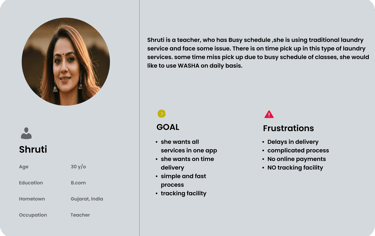
User Personas


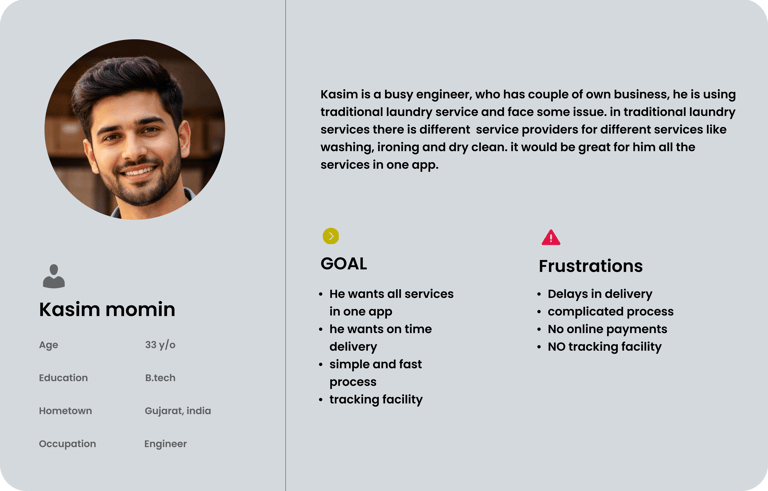
User Personas selected on conducting user research and identifying user needs for the products
How i create !
Starting The Design
I created various diagrams and storyboards to clarify and analyze the app's information and architecture. Afterward, I sketched paper wireframes and then transitioned to digital wireframes, building a low-fidelity prototype to conduct initial usability studies.

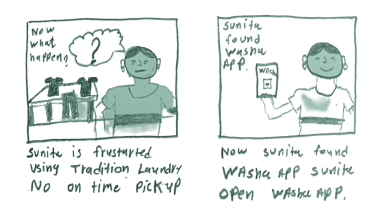
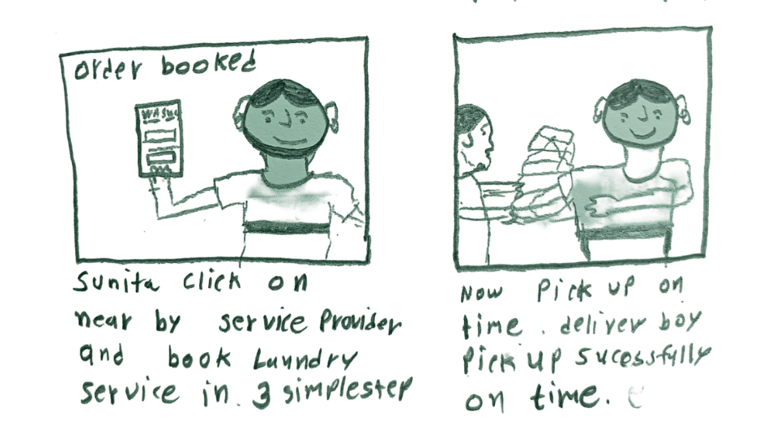
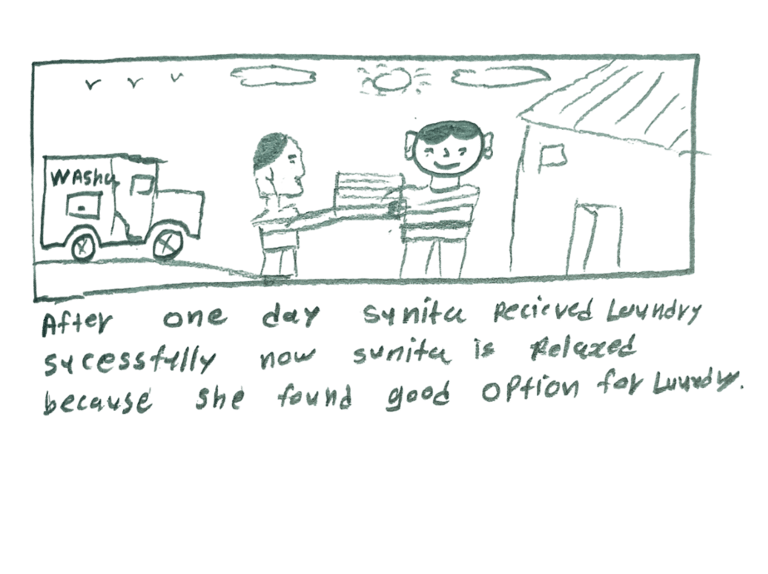
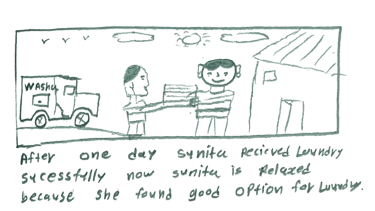
Big picture story board, which focuses on the users experience how users use WASHA on there daily life.
User Flow
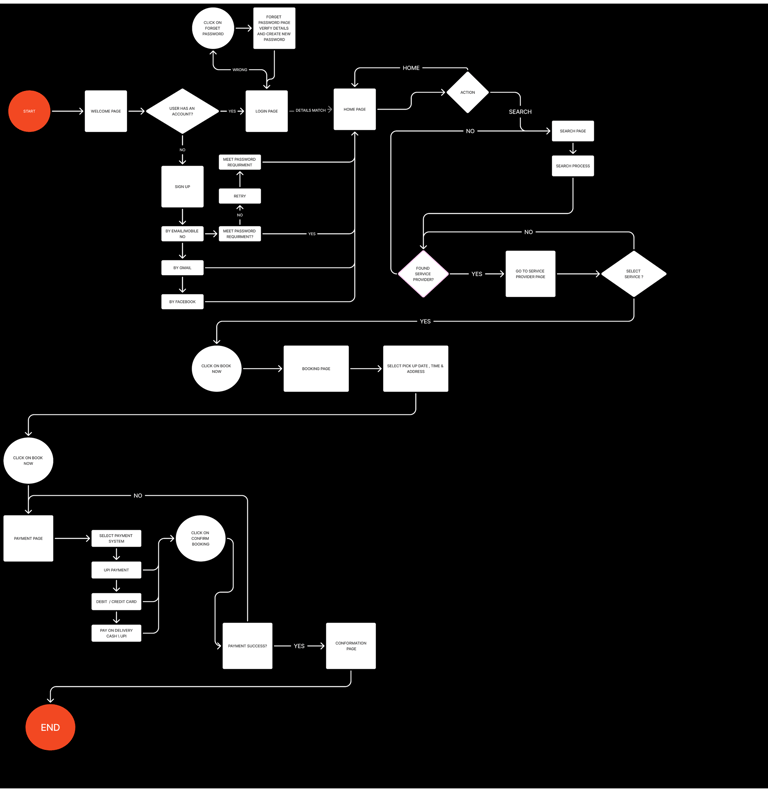
Users open the WASHA app, select laundry services, choose pickup and delivery slots, and confirm the order with transparent pricing. The app provides real-time order tracking and status updates until clean, folded clothes are delivered to the doorstep.
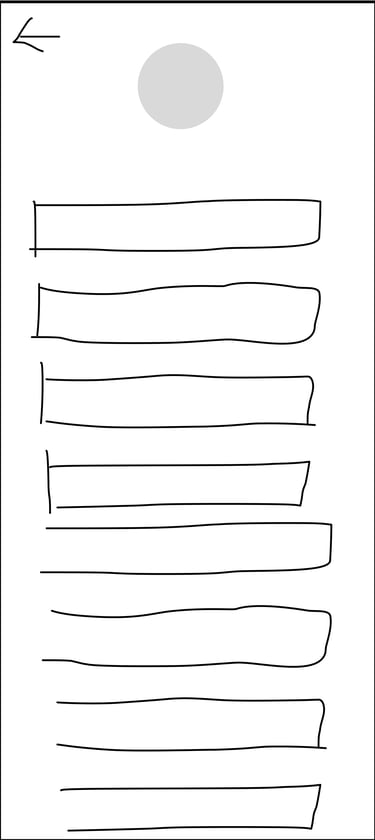
Paper Wireframes
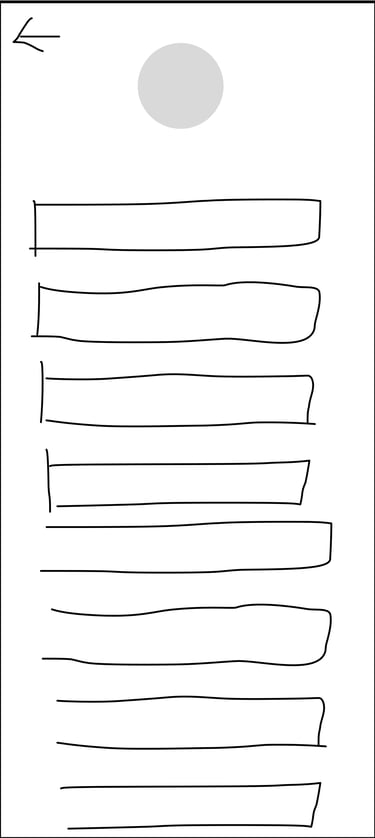
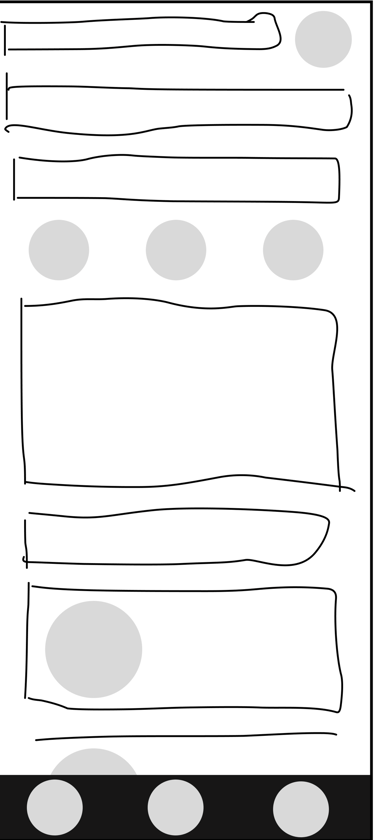
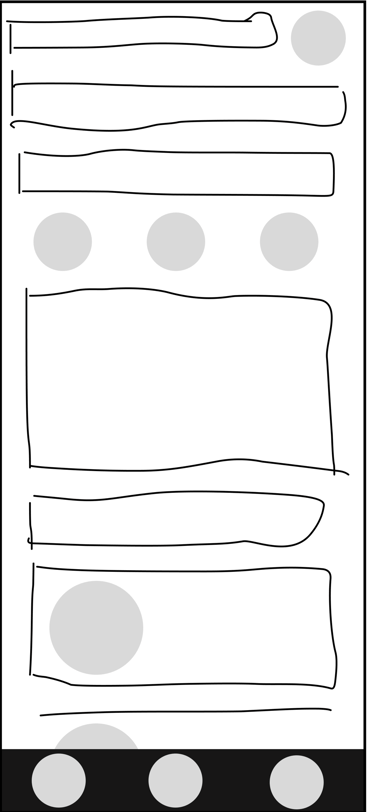
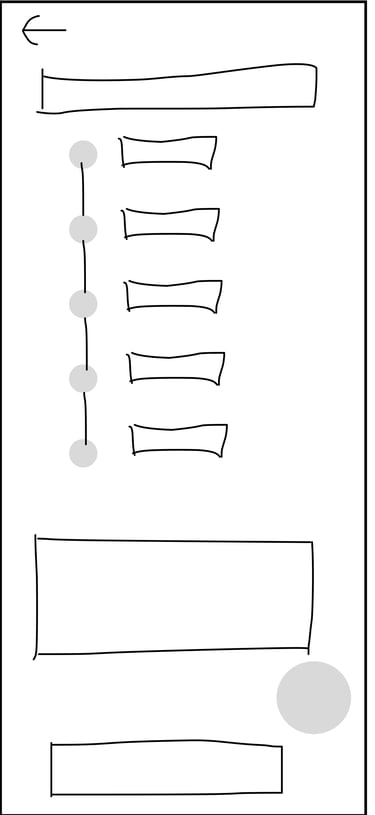
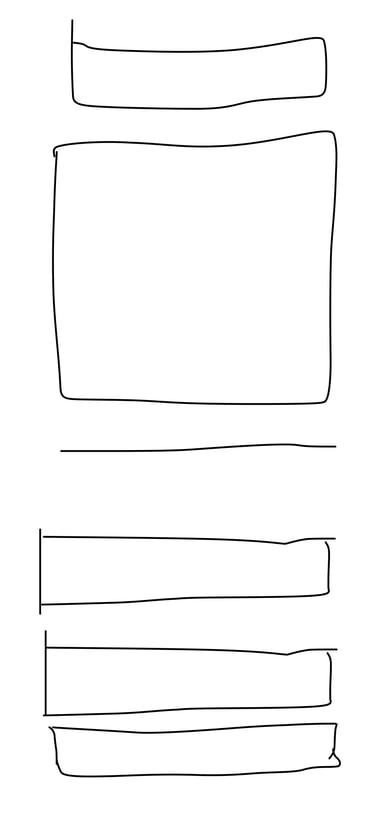
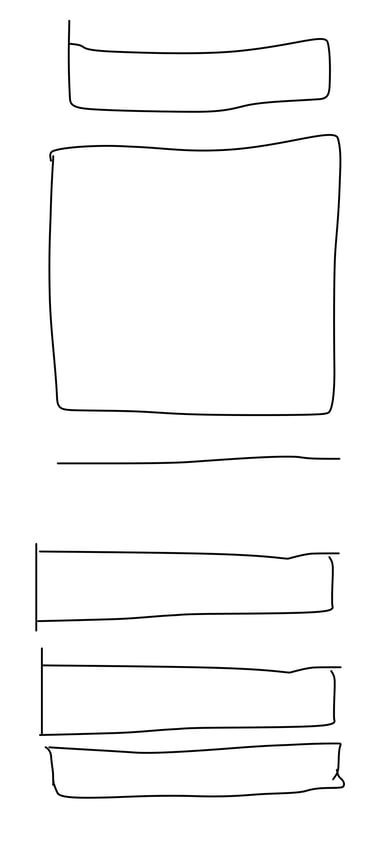
Here I drew five different screen of how structure of information might look like. Then I reviewed all of them in the refined one. The goal was to explore different ideas with wireframes.
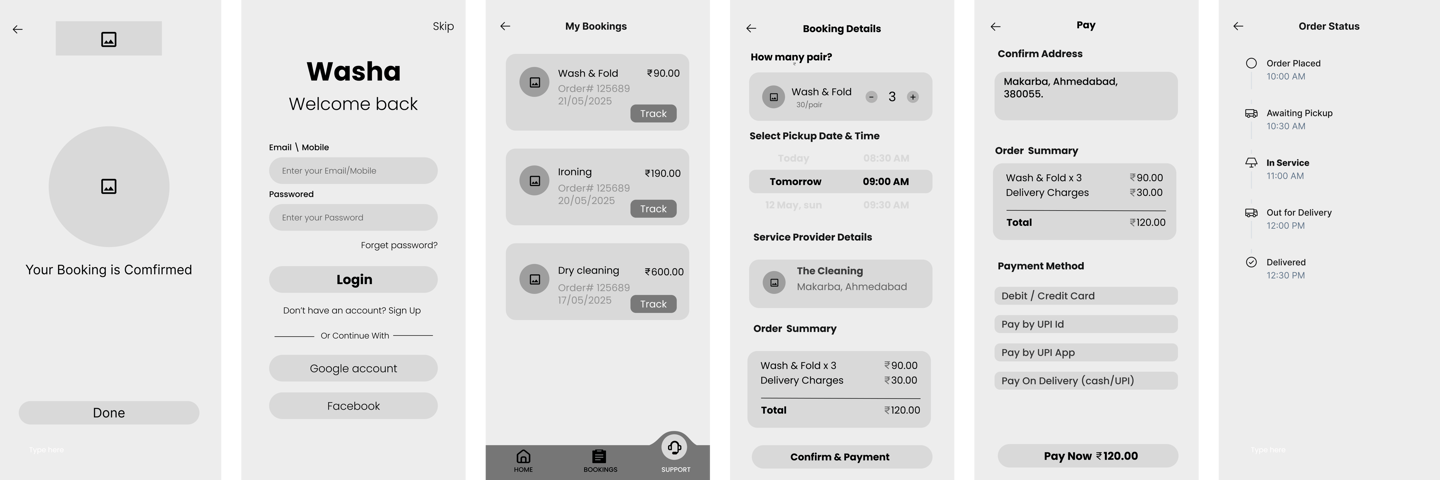
Digital Wireframes
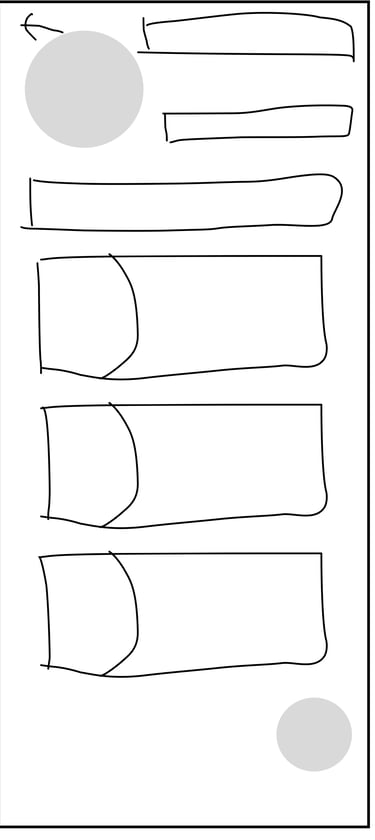
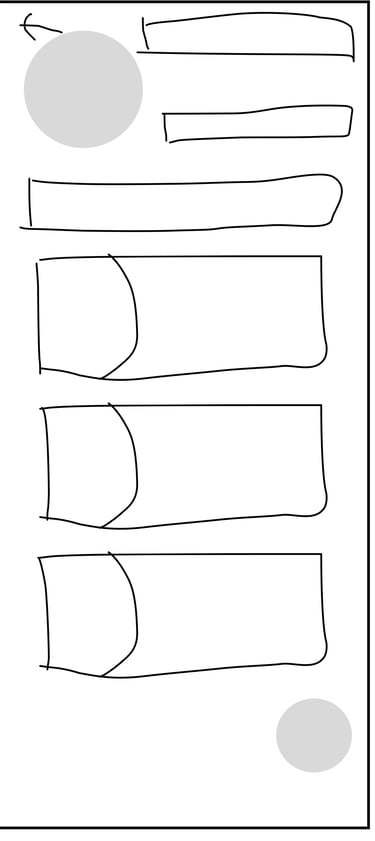
On this step I used the Figma design tool to create digital wireframes of all the pages. Then I bonded all of them into the clear and smooth structure.
The goal is to show how all the pages and things interact with each other.
Delivery delays caused high frustration

Storyboard
The clear version :
Refining Design
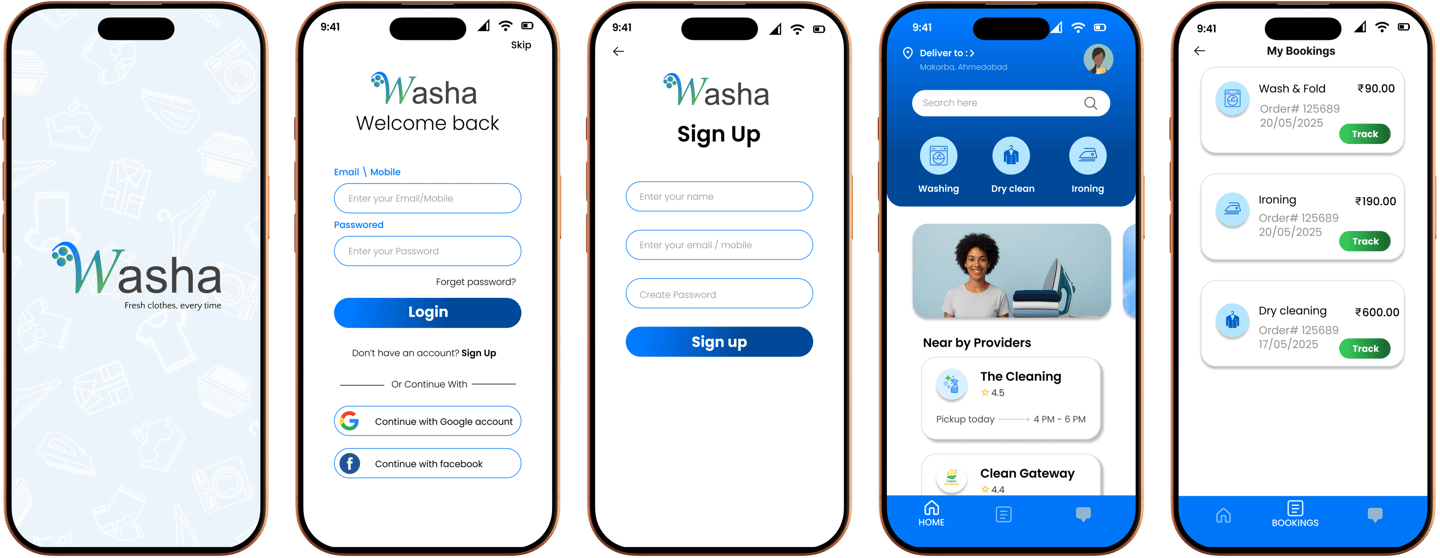
On this step, first I created a static, high-fidelity WASHA app design (keeping in mind all the conclusions from the previous phase of usability studies) that is a clear representation of a final product called design mockups. After that, I created a high-fidelity prototype of the app.
Mockups
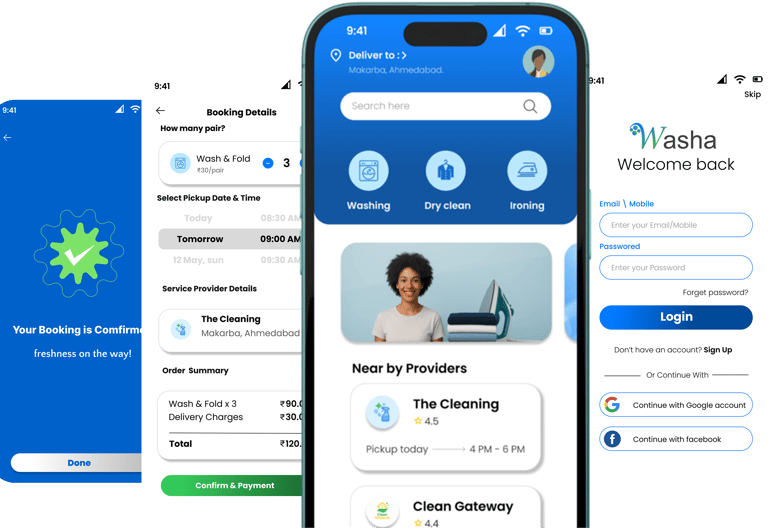
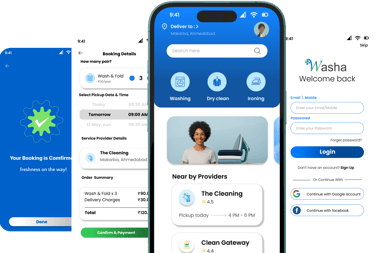
These are high fidelity design represent final product
I created all the app pages mockups, incorporating the right design elements such as typography, color, and iconography. I also included captivating and visually appealing images, and developed all the necessary components and elements. The goal was to demonstrate the final WASHA app in as much detail as possible.
Outcome
I created various diagrams and storyboards to clarify and analyze the app's information and architecture. Afterward, I sketched paper wireframes and then transitioned to digital wireframes, building a low-fidelity prototype to conduct initial usability studies
Takeways
Impact:
Our target users have found WASHA design to be intuitive, user-friendly, and easy to use. Choose a service provider.
What I learned:
The key lesson I learned is that even minor changes can significantly impact the user experience. My biggest takeaway is to always prioritize the genuine needs of the user.
Next step
Conduct follow-up usability testing on the new app iteration.
Identify any additional areas of need and ideate on new features.
Thank you for watching